

🔴 Website 👉 https://u-s-news.com/
Telegram 👉 https://t.me/usnewscom_channel
Several times throughout the day while working on my laptop, I’ll notice that my shoulders have practically risen to my ears, my neck has jutted out to a dangerous degree and I’m hunching to get closer to my screen. It turns out there’s already a colloquial term for this desk habit circling the internet: “desk shrimping.”
Alan Hedge, an ergonomics expert and professor emeritus for the human-centered design department at Cornell University, recently spoke with HuffPost reporter Monica Torres about desk shrimping and its risks.
According to Hedge, despite its endearing name, being a desk shrimp comes with some long-term health risks.
“You are creating a lot of muscle tension in the back as your body leans forward. You’re actually reducing air capacity to the lungs [and] restricting blood flow as you lean forward,” Hedge previously said. Even everyday headaches and body aches can be to blame.
He said that, over time, this compression and added tension can cause injury either in the elbow, wrist, hip, neck or back, and can even cause conditions such as carpal tunnel syndrome, or even worse, disc degeneration.
“The key to comfort and good health is to do computer work in a neutral posture – that means all parts of the body are in a comfortable range of motion,” he said.
Hedge offered several adaptive habits that can help you maintain a position of neutrality and motion, but these changes are best achieved with the right desk items and setup. I reached out to Hedge myself to find out exactly what those office essentials were and how to use them. See his suggestions compiled in the list ahead.
The experts consulted for this story do not necessarily endorse the products ahead unless otherwise noted.
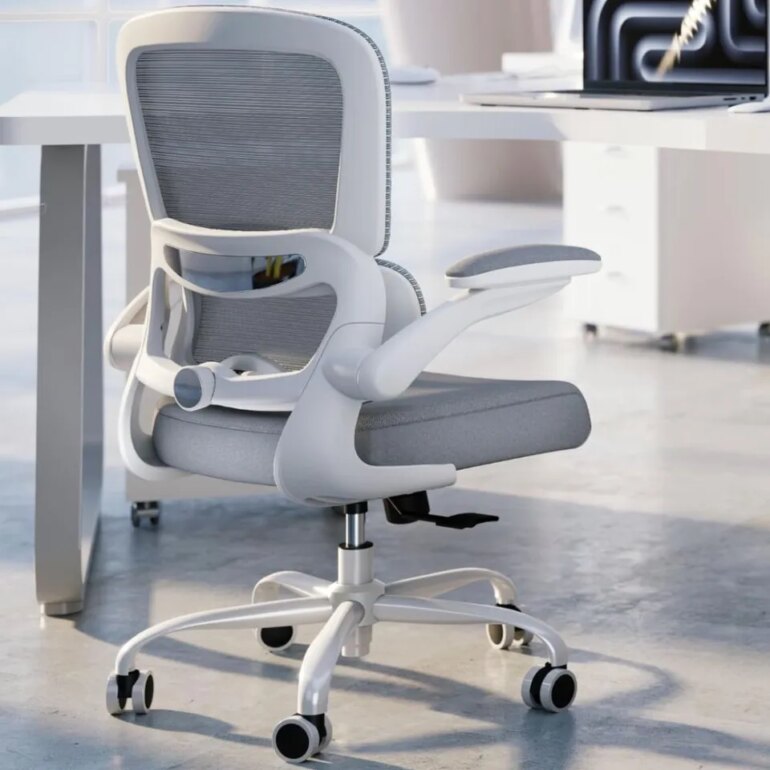
An ergonomic desk chair that allows for a range of motion
“Most computer work is done while seated – it stabilizes the body and is 20% less tiring than standing,” Hedge said. For this reason, he claims that it’s necessary to have a good ergonomic chair with easy auto recline, good low back support and allows for easy back movement while constantly supporting the back.
“The chair should have a height-adjustable seat and height-adjustable armrests, [as] these reduce the strain of standing up and sitting down in the chair,” he added.
Based on these parameters, we found this under-$130 office chair that offers a unique recline function, allowing you to tilt the backrest (up to 120 degrees) or sit upright freely. With a load capacity of 330 pounds, this 360-degree swiveling chair has both a height-adjustable seat and armrests, plus ergonomic lumbar support that can be adjusted, depending on the degree of bolstering you need for your lower back.
Amazon
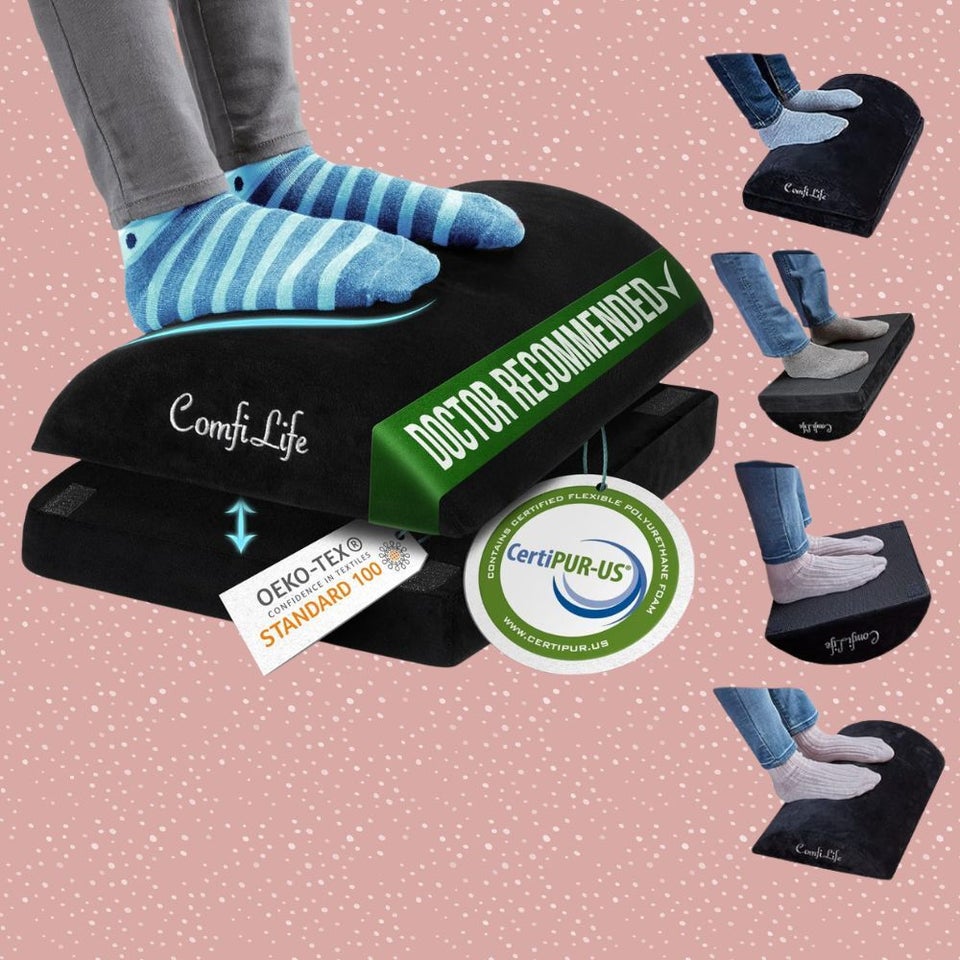
An adjustable foot rest that offers the option to rock
Hedge tells us to think about how someone sits to drive a car: the pedals are sloping upwards so the foot can rest comfortably on them while in a sitting back position.
“In the same way, a sloping footrest is a great product to help the user sit back in their chair,” he said. “If the footrest can also be rocked by the feet. This improves circulation and is less tiring over time.”
He didn’t mention a specific brand, so we chose this popular option that’s won 4.6 out of 5 stars on Amazon and has close to 14,000 ratings. Made from a high-density memory foam, this height-adjustable foot rest features a non-slip base to keep it in place, and can be turned upside down to allow for a rocking motion, as Hedge suggests.
Amazon
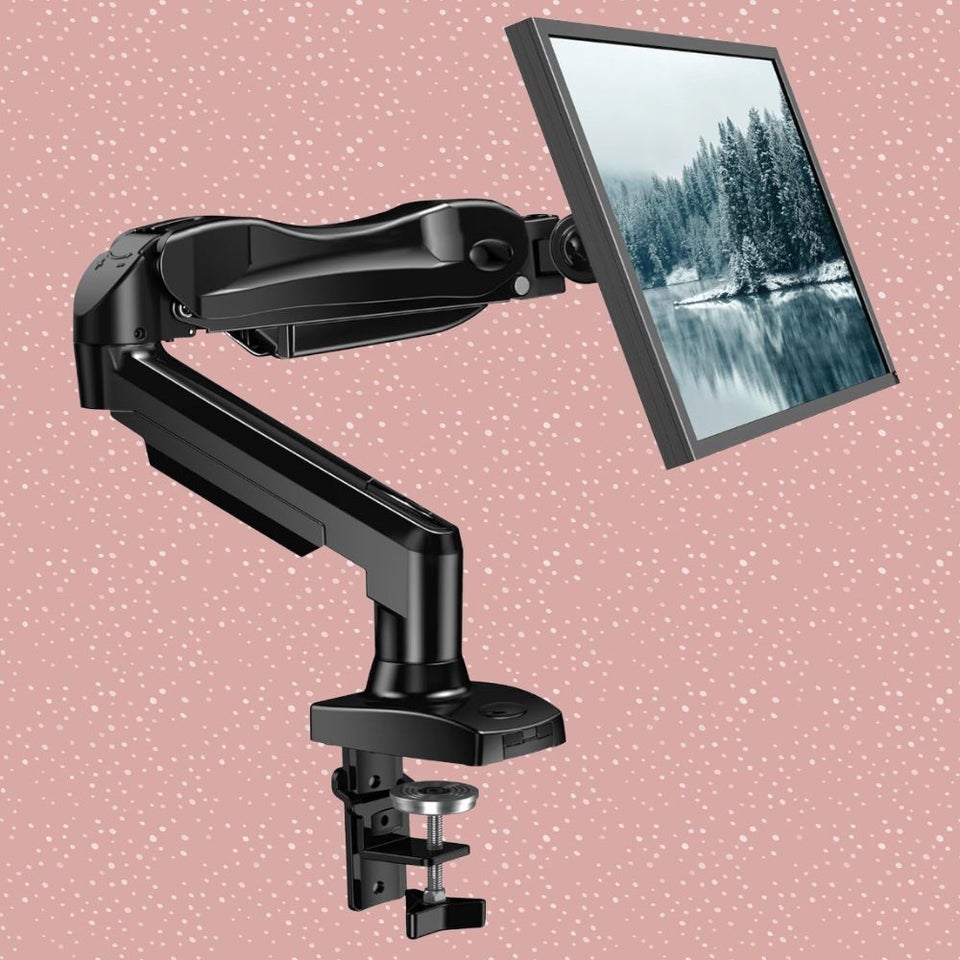
An adjustable monitor arm
“When sitting back, your [computer] screen center should be around eye level,” Hedge said. “For that, a desktop monitor can be placed on a monitor arm, which makes it very easy to adjust position (height, angle).”
We selected this adjustable monitor arm for its 4.6 out of 5-star rating on Amazon, across 15,600+ reviews. It promises great adaptability across a variety of monitor types and stability. Once your monitor is attached using the quick screw installation, your screen can tilt, swivel and rotate 360 degrees.
Amazon
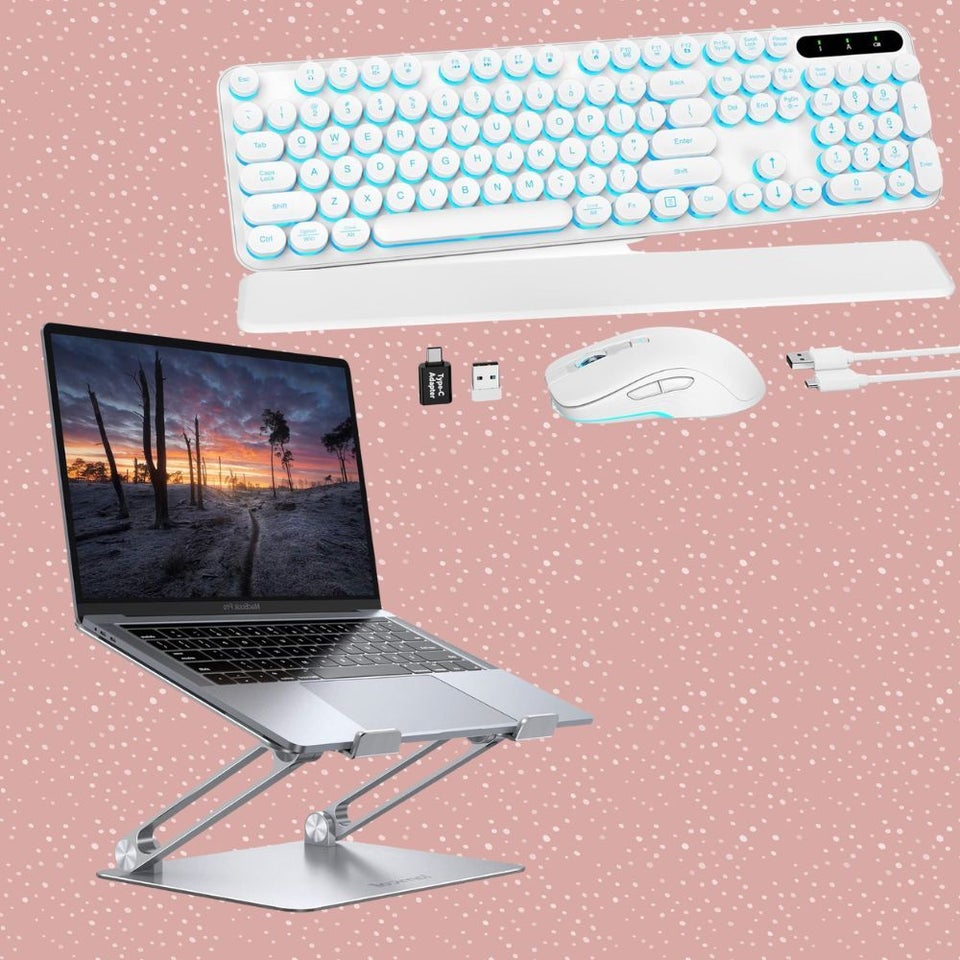
Or, an adjustable laptop riser with an external ergonomic keyboard and mouse
If you don’t use a large monitor and are just bound to a laptop for work, then Hedge suggests using a laptop riser and a separate keyboard and mouse, which achieves the same thing as a monitor arm and keeps the head and neck in a neutral posture.
We found this laptop riser and Bluetooth keyboard and mouse set, which, together, offer ergonomic functionality for laptop users. The portable laptop riser, which is compatible with laptops up to 17.3 inches, can securely hold computers at a posture-appropriate angle.
The ergonomic keyboard is also tilt-adjustable and comes with a detachable magnetic wrist rest and comes in a variety of color options.
Amazon

A free-standing document holder to keep materials at eye level
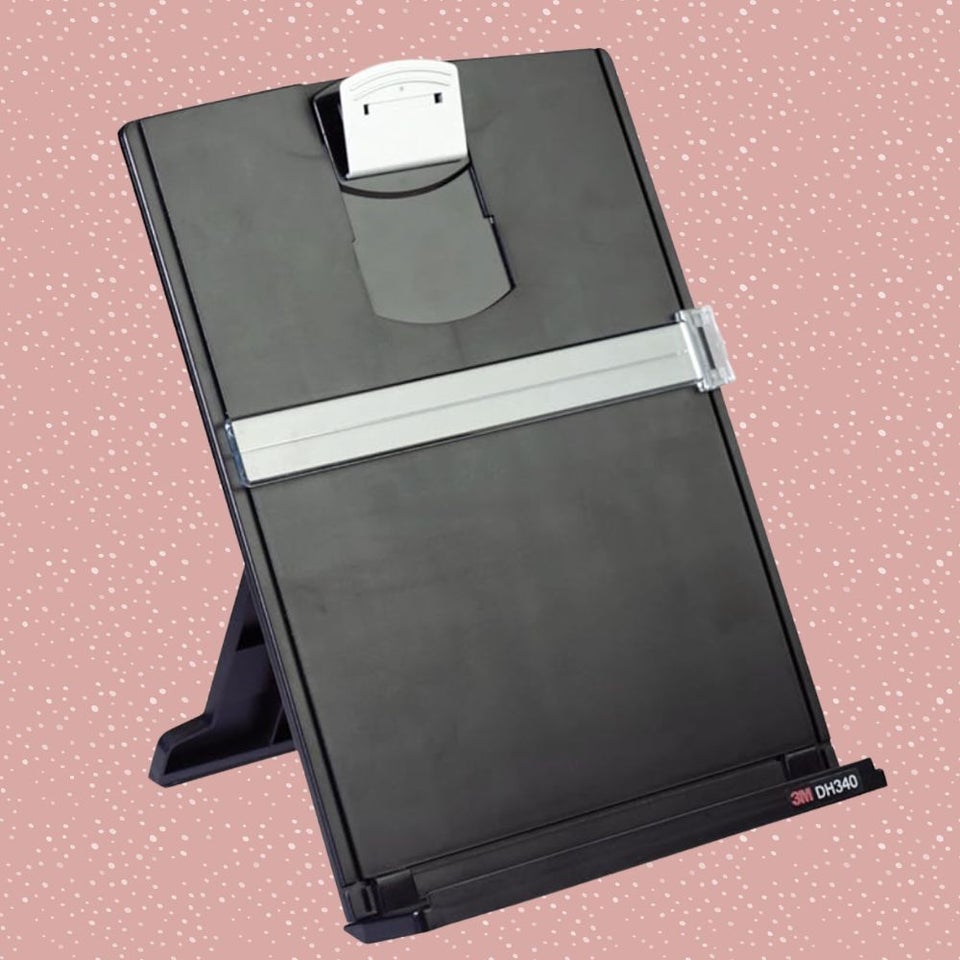
“If working with paper documents, a document holder is great because it raises the paper to eye level, which minimizes neck strain,” Hedge said.
This is a popular choice by 3M, which features a frame-style design that keeps documents secure and upright using a height-adjustable clip and a non-slip base. It can hold up to 150 standard sheets of paper at a time and can fold flat when not in use.
Amazon
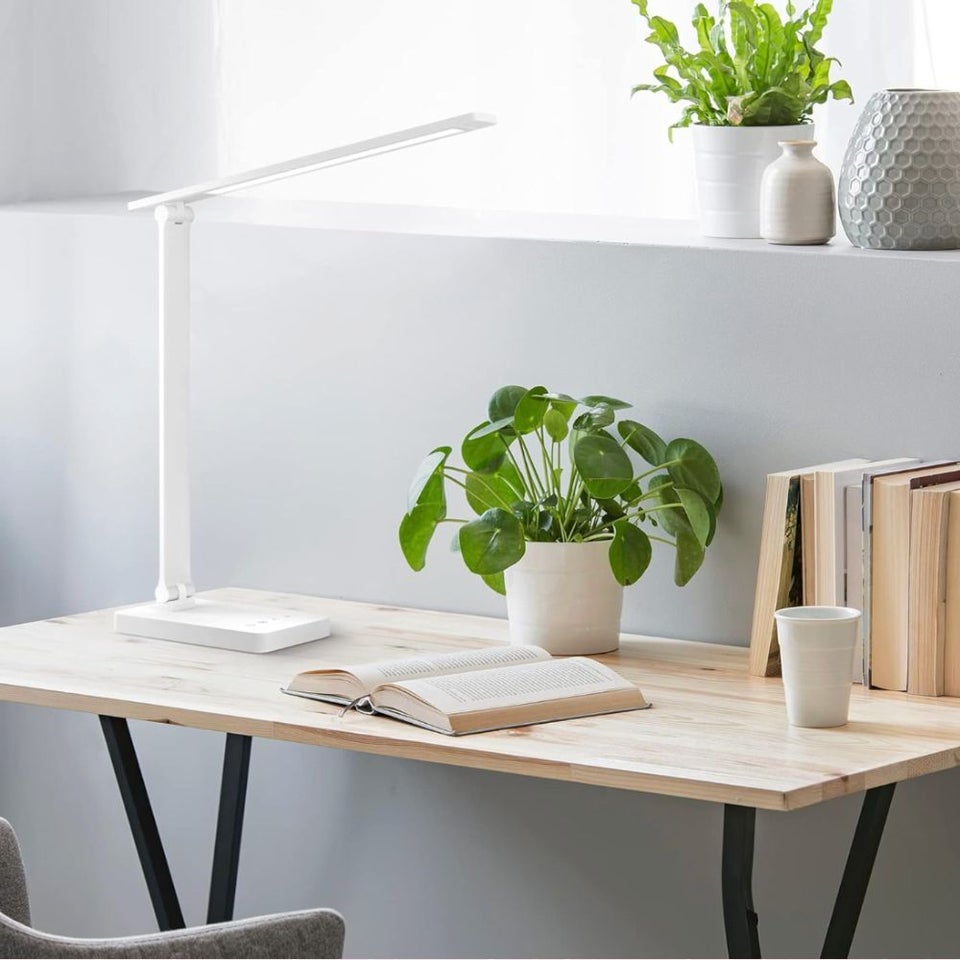
A free-standing task light
“A freestanding task light can also be helpful for shining light on paper documents without shining light on the computer screen,” Hedge said. We took his suggestion and selected this sleek and dimmable LED desk lamp that features five light modes and five brightness levels, including soft, warm lighting to reduce eye fatigue. This space-conscious light is also height-adjustable with a tilting arm.
Amazon
A posture-correcting brace
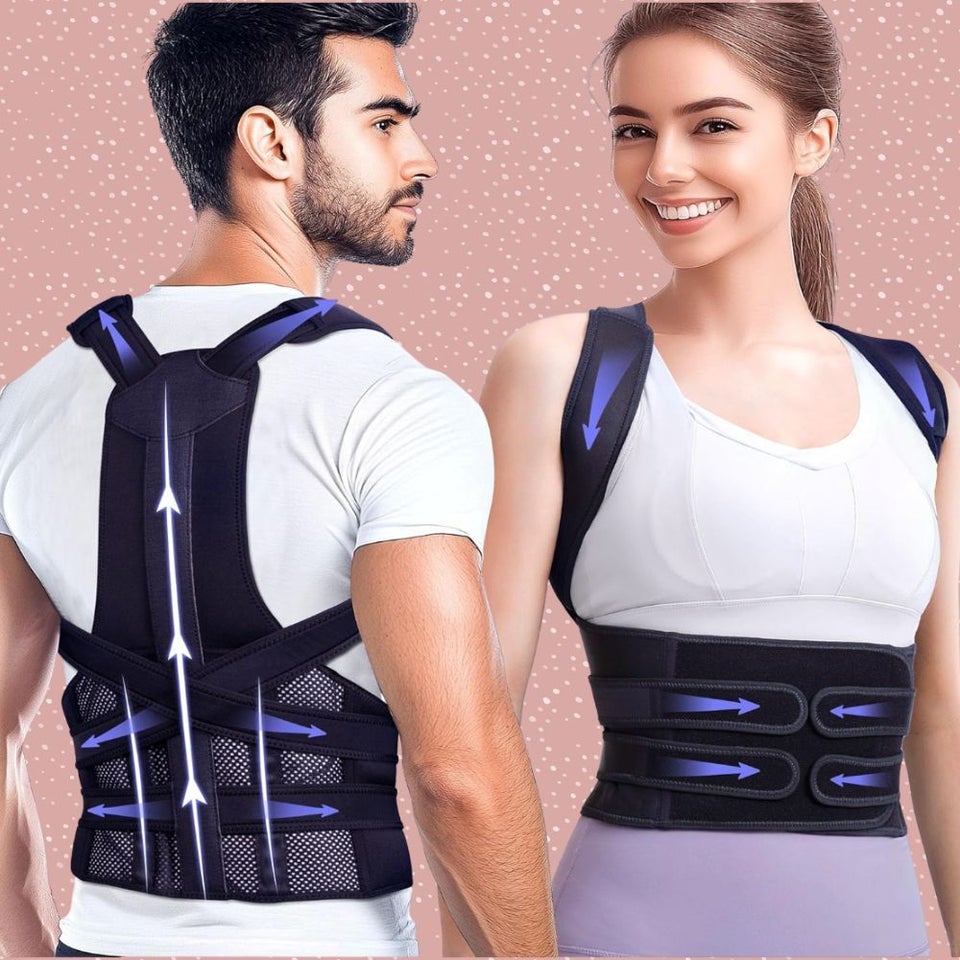
Experts previously spoke to HuffPost about the benefits of posture garments, such as posture bras and T-shirts. Based on this guidance, we covered this popular full-back posture brace, which is designed to support the full spine using a waist belt, shoulder straps and back brace, thus helping straighten your back, shoulders and lumbar area. One reviewer wrote that the tool “gently pulls my shoulders back without being too tight … the pain I used to feel at the end of the day is almost gone.”
You can start by wearing it for five to ten minutes a day, and work towards wearing it for an hour or two a day. The brace comes in three sizes.
Forme
A posture-improving bra worn by Taylor Swift
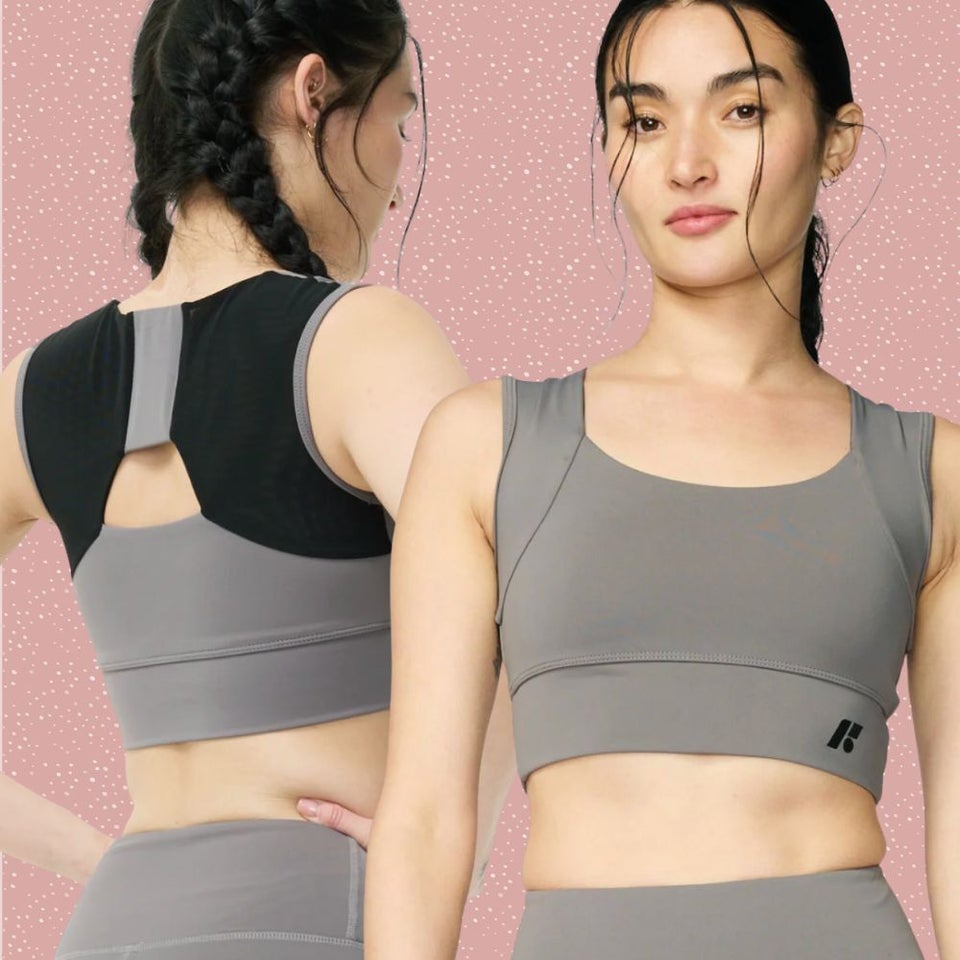
Another posture garment option is this Forme bra, purportedly worn by the likes of Taylor Swift during rehearsals for her last album tour, and has since spawned a cult of enthusiasts.
In lieu of uncomfy wires, the bra sports six tension fabrics and eight double-fabric panels that together are designed to noticeably improve posture and upper body alignment. Over time, the bra is designed to help your body develop posture-supportive muscle memory while helping reduce pain and stiffness. You can grab it in six colors and sizes XS-3XL.
Forme was created by an orthopedic surgeon to help his mother improve her posture and compressed lungs.
It’s also currently on sale for 20%, no code required.